Introduction

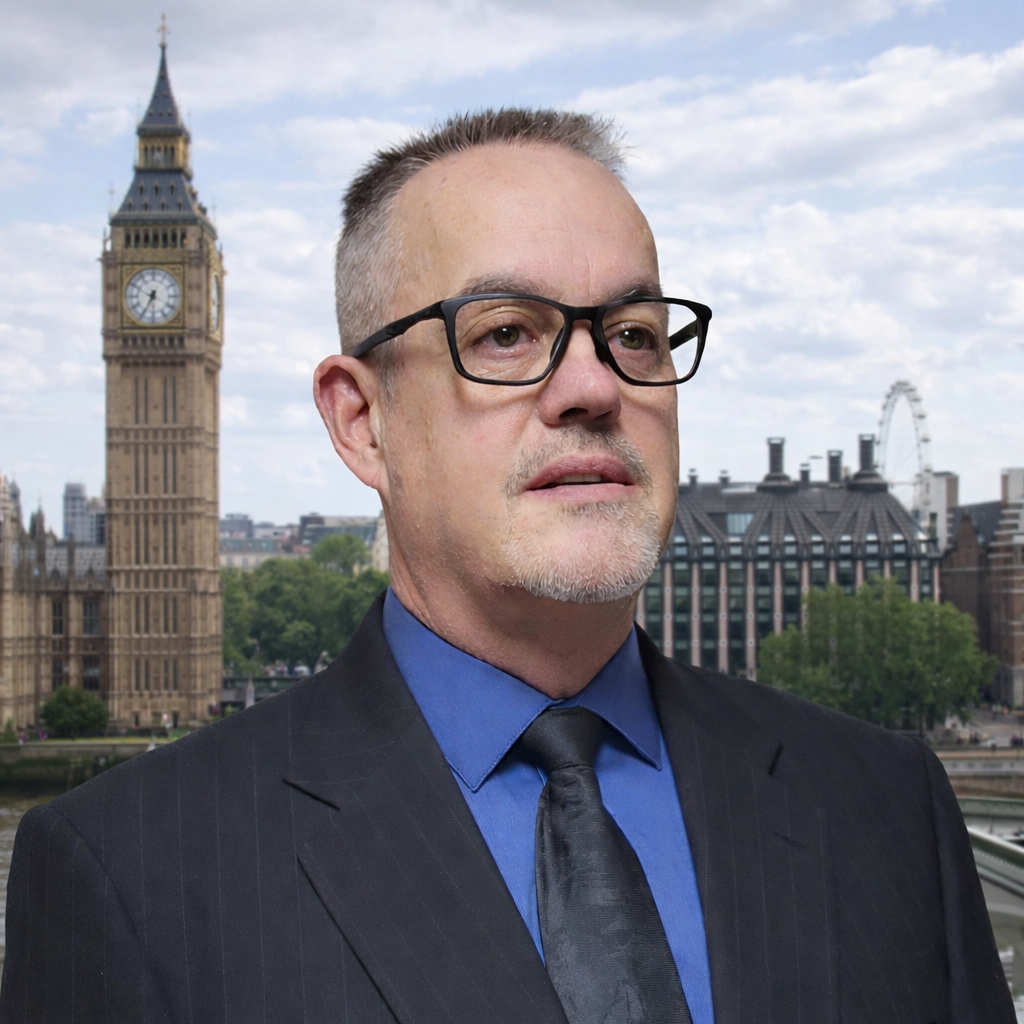
Some people ask me why I do IT for free for Churches and Christian owned SMB?

Well the answer is simple God has given me a Gift and I wont ignore his people with the gift I have been given. 1 PETER 4:10

So let me tell you a little about myself, back in 1994 in the military I learned about computers and quickly realized this was the career path I wanted to pursue.

In 1996 I got out of the military but having computer experience I was quickly snatched up by a local bank in Placerville. While there we merged with multiple banks and went through Y2K and I was in charge of the IT department.

After some time with the Bank I came to realize they are volatile for employment and always merging so I went to work for School Districts in 2003.

When I got bored with School Districts I went into buisness for myself and that was great I earned a lot of experiance.

Then after being talked into the benifits of working for the state I applied and worked there for a period (California State).

I also have a strong passion to help others get into IT or get promotions due to someone coming along side me and helping me get started without getting anything out of it (truly a GOD moment) when I was new.

Services

Services (Welcome to the Matrix)

When it comes to computers or technology in general it can feel like you have just entered the Matrix sometimes doesnt it.

I have been given the gift of explaining and configuring the 000s and 111s that make things work (000s and 111s are the language computers speak like English).

  • Diagram your network (what do you have)
  • Remote Support (Via Free Software).
  • Architect a solution for your problems.
  • Install and troubleshoot PC's Windows 7 thru 11.
  • Install and troubleshoot WIFI (and MESH).
  • Configure and install printers (And Network).
  • Setup infrastructure CAT6, Fiber, WIFI.
  • Design setup VLAN's for separation and QOS.
  • Install NGFW specifically Fortinet.
  • Basic Web Page design, and Buisness Automation.
  • Incident Response IR done at no cost to Churches.
  • Disaster Recovery evaluation.
  • Links to Classes

    All classes are white listed to your IP

    Detect unfiltered file downloads and inbound payload transfer.
    Track file hashes and identify known malware.
    Determine were downloads from patient zero came from.
    Identify Command and Control (C2) Beaconing and Exfiltration.
    Construct End-to-End incident timelines.

    Investigate inbound payload transfers and extract decrypted files.
    Track SMB & RDP lateral movement across internal segments.
    Examine TLS and HTTP metadata for malware hashes & indicators.
    Identify command and control (C2) beaconing via PCAP traffic flows.
    Carve target PCAP files for external forensic analysis.

    Detect unfiltered file downloads via Real-Time L7 application inspection.
    Cross-Reference TLS certificate hashes & JA3/JA4 fingerprints.
    Identify host score spikes and Probe-Based lateral movement.
    Surface command and control (C2) activity and anomalous flow metrics.
    Reconstruct Flow-Level attack timelines with integrated alerts.

    First class is how to decrypt PCAP on Windows 11.
    Second class is how to detect Chrome Remote.
    Third class is how to detect RDP to multiple PC's.
    Fourth hunt ransomeware kill switch.

    The above listed skills are what you will need in a IR Response.